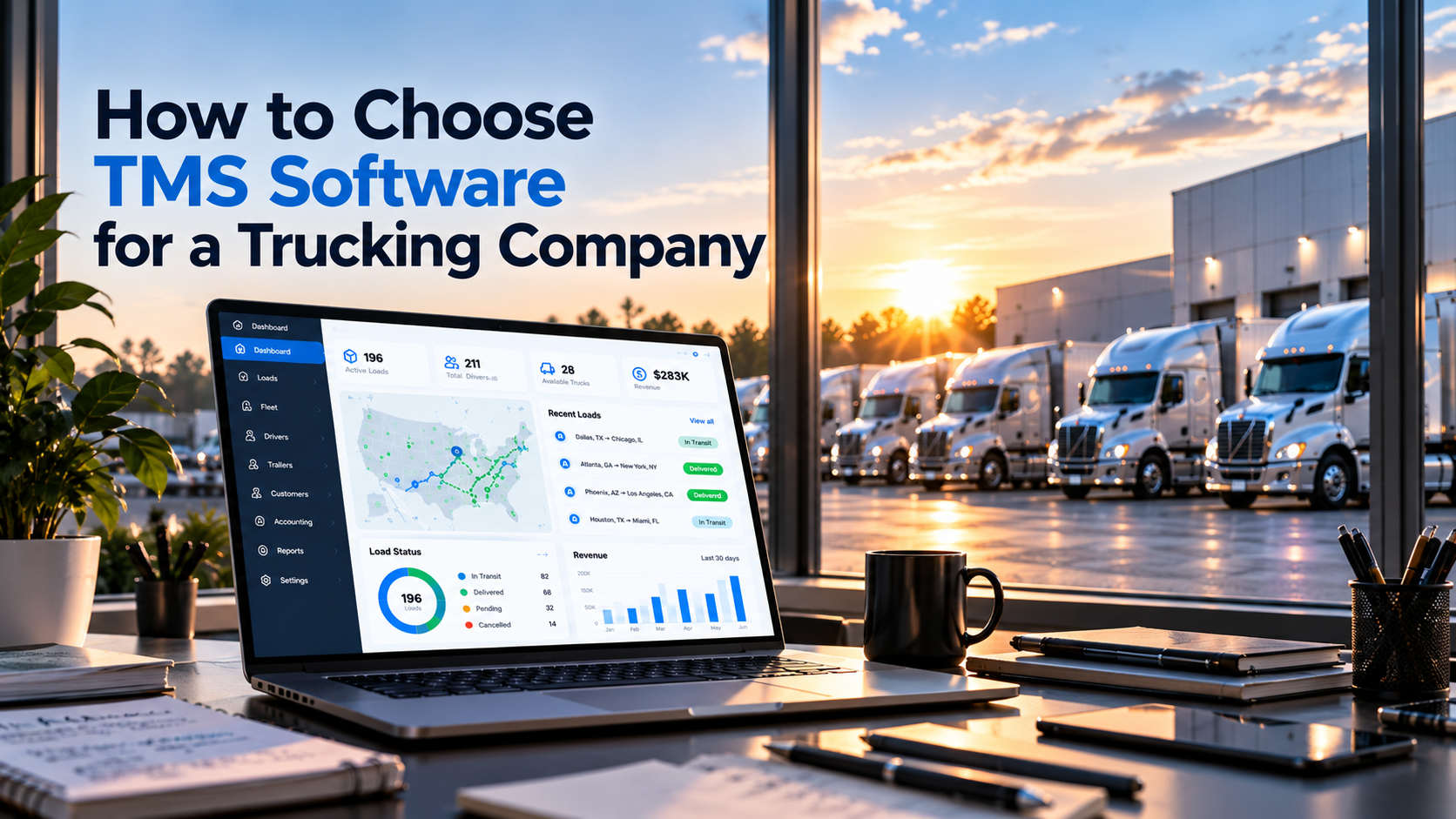
Choosing the right TMS software for a trucking company is an important operational decision.
As a trucking business grows, managing loads, drivers, trucks, trailers, contracts, accounting and communications through spreadsheets and disconnected tools can become increasingly difficult.
A Transportation Management System can bring these workflows into one connected platform. But not every TMS is built the same way, and the right solution depends on how your trucking company actually operates.
Before choosing a TMS, you should understand your current workflows, identify the features your team needs, evaluate integrations and consider how the system will support your operation as it grows.
Here is what to look for when choosing TMS software for a trucking company.
1. Start With Your Trucking Operation
Before comparing TMS platforms, start by understanding your own operation.
Ask:
- How many trucks do you manage?
- How many drivers are on your team?
- How do you currently manage loads and trips?
- Where do you store truck and trailer information?
- How do dispatchers communicate with drivers and other team members?
- How are contracts managed?
- How is accounting connected to operations?
- Which systems does your company already use?
- Where does your team spend the most time on manual work?
The goal is to identify the operational problems your TMS needs to solve. A platform may have dozens of features, but if those features do not address your actual workflows, they may not provide much value to your business.
2. Look at the Core TMS Features
The most important question is not how many features a TMS has. The important question is whether it covers the areas your trucking company needs to manage every day.
Loads and Trips
Load and trip management should help your team organize transportation activity and keep important information connected. Look for a system that fits your company's actual dispatch and operational workflows.
Fleet Management
Your TMS should provide an organized way to manage fleet information. This may include:
- Trucks
- Units
- Drivers
- Trailers
- Equipment
- Operational status
A centralized fleet view can make it easier for your team to understand what is happening across the operation.
Drivers and Units
Drivers and equipment are closely connected to daily transportation operations. A TMS should make it easy for the appropriate team members to access and manage this information without relying on separate spreadsheets.
Trailers
If your company manages multiple trailers, trailer information should be part of the same operational environment. Keeping equipment information connected to the rest of your transportation data can reduce unnecessary manual coordination.
Contracts
Contracts are another important part of trucking operations. Consider whether the TMS gives your team an organized way to manage contract-related information alongside transportation operations.
Accounting
Transportation operations and financial workflows are closely connected. When operational and accounting information is separated across different systems, teams may spend additional time transferring or checking information. Consider how the TMS fits into your existing accounting workflow.
Communications
Communication is a major part of trucking operations. Dispatchers, managers and other team members may communicate through email, phone systems and messaging platforms throughout the day.
A TMS that brings important communication workflows closer to your operational environment can help reduce the need to constantly switch between tools.
3. Check Integrations
Your TMS probably will not be the only software your company uses. Before choosing a platform, identify the systems that are already part of your operation.
These may include:
- Accounting software
- Communication platforms
- Fleet technology
- ELD systems
- GPS and tracking systems
- Fuel management systems
- Payment systems
- Other transportation software
Ask potential TMS providers: Can the system integrate with the tools we already use?
Integration capabilities can be especially important when you are replacing or consolidating several existing systems.
For example, LoadUp360's communications environment supports tools such as Gmail, RingCentral and Telegram, helping bring communication closer to daily operational workflows.
4. Consider Scalability
The TMS you choose should work not only for your company today but also for the operation you are building.
A system that works for a small operation may become difficult to manage as the business adds:
- More trucks
- More drivers
- More loads
- More trailers
- More employees
- More operational complexity
Can this platform support our operation as we grow?
You do not necessarily need the most complicated system available. You need a platform that can handle your current workflows while providing enough structure for future growth.
5. Evaluate Ease of Use
A TMS can have a long list of features and still be difficult for your team to use. This is why usability matters.
Consider the people who will actually work with the platform every day:
- Dispatchers
- Fleet managers
- Operations managers
- Accounting teams
- Administrators
- Other members of the organization
Ask yourself:
- Is the interface easy to understand?
- Can employees find information quickly?
- How many steps are required for common tasks?
- Can different team members access the information relevant to their roles?
- Does the system reduce complexity or add another layer of it?
The best TMS for your company should fit naturally into your team's daily workflow.
6. Look at Implementation
Choosing software is only part of the process. You also need to consider how the system will be introduced into your operation.
Ask the provider:
- How long does implementation take?
- Who handles setup?
- What information needs to be migrated?
- Is employee training available?
- What support is available after launch?
- Can the platform be configured around our workflows?
A clear implementation process can make the transition easier for your team. LoadUp360 currently presents an average deployment timeframe of 2–4 weeks, depending on scope and data requirements.
7. Compare Pricing and Total Cost
Price is important, but looking only at the monthly subscription can give you an incomplete picture.
When comparing TMS software, consider the total cost of using the platform. This can include:
- Subscription fees
- Number of users
- Number of trucks
- Implementation
- Setup
- Integrations
- Training
- Support
- Additional modules or services
Also consider the operational cost of your current system.
If your team spends significant time maintaining spreadsheets, manually transferring information or working across multiple disconnected applications, those processes also have a cost.
What does this TMS provide for the cost, and how does it fit our operation?
8. Compare the Workflow, Not Just the Feature List
Two TMS platforms can have similar feature lists but provide very different experiences.
Instead of simply comparing checkboxes, take a real trucking workflow and see how each platform handles it.
Scenario
A new load comes in. Can your team easily:
- Create or manage the load?
- Organize the trip?
- Assign the appropriate driver?
- Connect the truck or unit?
- Manage the trailer?
- Communicate with the relevant team members?
- Connect the operational information with accounting?
- Track the workflow from one place?
This type of evaluation can tell you much more than a simple list of features.
9. Test the TMS Before You Commit
If possible, request a product demonstration before making a decision. During the demo, don't just ask the salesperson to show you the most impressive features. Ask them to demonstrate your actual workflow.
For example:
Show me how my dispatcher would manage a new load from beginning to end.
Then ask:
Show me how my fleet manager would find information about a truck and driver.
And:
Show me how accounting connects with the operational information.
This gives you a better understanding of whether the platform fits your company.
TMS Software vs. Spreadsheets
If your trucking company currently relies heavily on spreadsheets, this should also be part of your evaluation.
Spreadsheets can be useful for simple operations, but managing increasingly complex transportation workflows through multiple files can create additional manual work.
A TMS is specifically designed around transportation operations. For a deeper comparison, read: TMS vs Spreadsheet: Which Is Better for a Trucking Company?
What Makes a Good TMS for a Trucking Company?
There is no single feature that makes a TMS right for every trucking company.
Centralized operations
Important information should be accessible from a connected platform.
Relevant features
The system should support the workflows your team actually uses.
Integrations
The platform should work with important systems already used by your company.
Usability
Employees should be able to learn and use the system without unnecessary complexity.
Scalability
The platform should be capable of supporting your operation as it grows.
Implementation support
Your team should have a clear path from setup to everyday use.
Visibility
Managers should have a clearer view of their transportation operation.
How LoadUp360 Supports Trucking Operations
LoadUp360 is a transportation management platform built for U.S. trucking operations.
The platform brings core operational areas together, including:
- Fleet Overview
- Loads & Trips
- Trucks / Units / Drivers
- Trailers
- Contracts
- Members
- Accounting
- Communications
The goal is to give trucking companies a connected operational environment rather than forcing teams to manage every part of the business through separate tools.
LoadUp360 supports an ecosystem of 1,000+ trucks and presents an API-first architecture designed for connected transportation workflows.
Explore LoadUp360
If you're evaluating TMS software for your trucking company, you can learn more about the platform: TMS for Trucking Companies
Questions to Ask Before Choosing TMS Software
Before signing up for a TMS, ask the provider these questions:
About the platform
- What transportation workflows does the platform support?
- Can it manage loads, trips, fleet, drivers and equipment?
About integrations
- What systems can it integrate with?
- Does it have an API?
- Can it connect with the tools we already use?
About implementation
- How long does implementation take?
- Is data migration included?
- What training is available?
About scalability
- Can the platform support additional trucks and users?
- Can we add new workflows as our operation grows?
About pricing
- How is pricing calculated?
- Are there additional implementation or integration costs?
- What is included in the subscription?
About support
- What support is available after implementation?
- Who do we contact if there is an operational issue?
Getting clear answers to these questions can make it easier to compare TMS platforms based on your actual business requirements.
Frequently Asked Questions
What is TMS software for trucking companies?
TMS software for trucking companies is a transportation management platform designed to help manage operations such as loads, trips, drivers, trucks, trailers, contracts, accounting and communications.
How do I choose the right TMS for my trucking company?
Start by identifying your current operational workflows and problems. Then evaluate the TMS's features, integrations, usability, scalability, implementation process, support and total cost.
How much does TMS software cost?
TMS pricing varies by provider and can depend on factors such as the number of trucks, users, features, integrations and implementation requirements.
Is a TMS worth it for a small trucking company?
It depends on the company's operational complexity and needs. A small carrier with simple workflows may have different requirements from a growing operation managing multiple trucks, drivers and loads.
Can TMS software replace spreadsheets?
A TMS can replace many spreadsheet-based operational workflows, depending on the company's needs and the capabilities of the selected platform.
What features should a trucking TMS have?
Common areas to evaluate include load and trip management, fleet management, trucks and drivers, trailers, contracts, accounting, communications, integrations and reporting.
Conclusion
Choosing TMS software is ultimately about finding a platform that fits the way your trucking company operates.
Before making a decision, look beyond the feature list. Evaluate the workflow, integrations, usability, scalability, implementation, support and total cost.
Most importantly, test the platform using real scenarios from your trucking operation.
A good TMS should help your team organize operations, connect information and reduce unnecessary complexity.
LoadUp360 brings fleet operations, loads, drivers, equipment, contracts, accounting and communications into one connected platform for U.S. trucking companies.