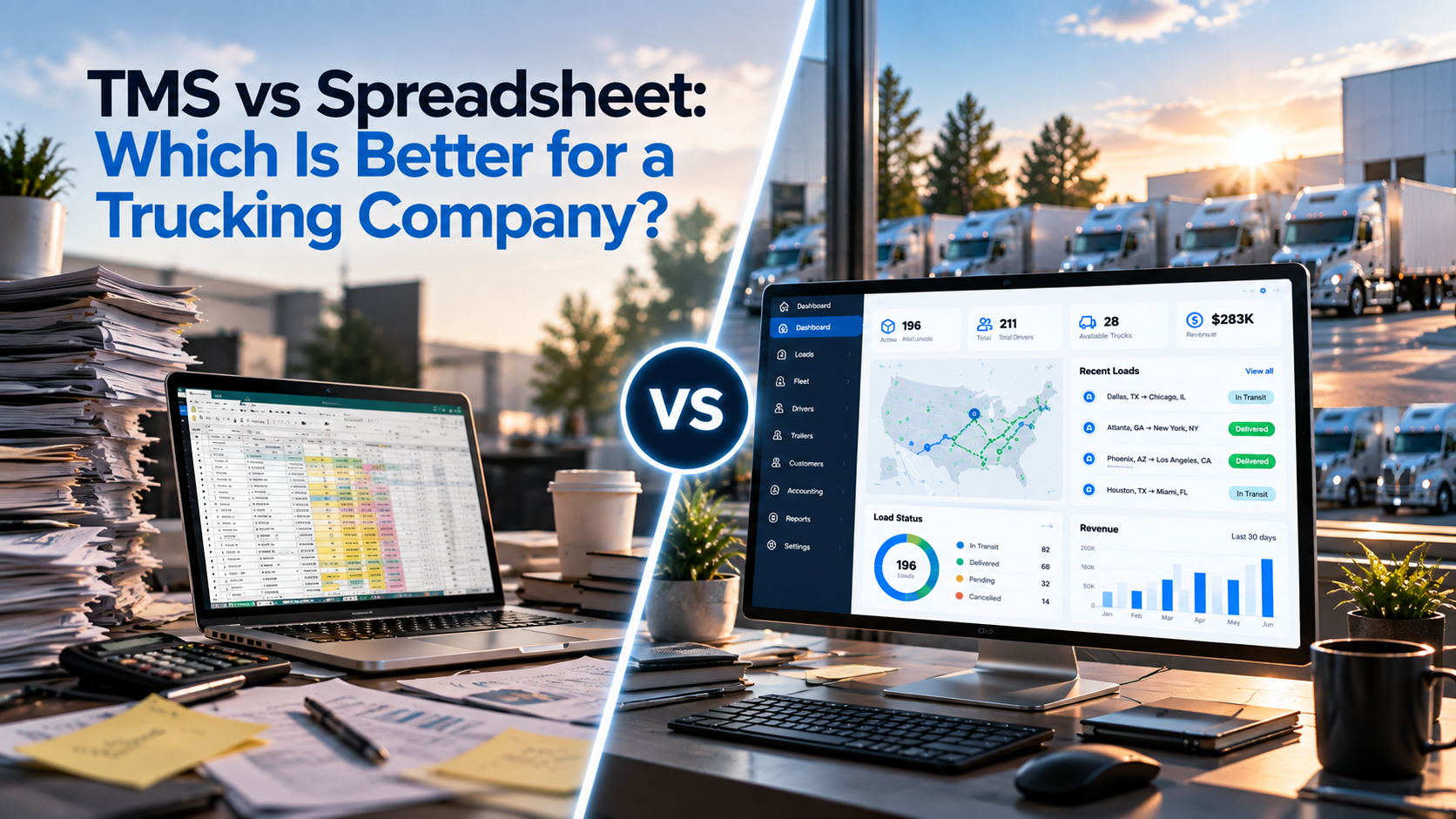
For many trucking companies, Excel and Google Sheets are the first tools used to manage loads, drivers, trucks, expenses, and revenue.
And for a small operation, they can work perfectly well.
The problem usually starts when the business grows. More trucks mean more drivers, loads, trips, trailers, customers, and financial information. What once took a few minutes in a spreadsheet can eventually take hours.
So, TMS vs spreadsheet — which is better for a trucking company?
The answer depends on how complex your operation is.
A spreadsheet can be enough for a small carrier with simple workflows. A Transportation Management System (TMS) can be more practical for a growing trucking company that needs centralized information, better collaboration, reporting, and less manual work.
Excel vs TMS: What's the Difference?
The biggest difference is not simply where you store information.
It is how your team manages that information.
With Excel or Google Sheets, employees usually create and update records manually. A trucking company may have one file for loads, another for drivers, another for trucks, and another for accounting.
A TMS is built around transportation workflows.
Instead of managing separate files, your team can organize connected information such as:
Load → Trip → Driver → Truck → Trailer → Revenue
This can make it easier to manage daily operations and find information when you need it.
| Task | Spreadsheet | TMS |
|---|---|---|
| Loads | Manual tracking | Centralized |
| Trips | Separate records | Connected to operations |
| Trucks | Spreadsheet | Fleet management |
| Drivers | Spreadsheet | Centralized records |
| Trailers | Spreadsheet | Centralized records |
| Accounting | Often separate | Connected workflow |
| Reporting | Usually manual | System-based |
| Team access | File-based | Multi-user |
| Data updates | Often repeated | More centralized |
Neither option is automatically right for every trucking company. The important thing is choosing a system that matches your operation.
When Is Excel or Google Sheets Still Enough?
You don't need a TMS just because you operate a trucking company.
A spreadsheet may still be a good solution if you:
- Have only a few trucks
- Manage a small number of loads
- Have one or two people handling operations
- Have simple accounting processes
- Don't need advanced reporting
- Rarely have multiple people updating the same information
For example, an owner-operator with one truck may be able to manage the business effectively with Google Sheets.
The question changes when your spreadsheet becomes difficult to maintain.
5 Signs Your Trucking Company Has Outgrown Spreadsheets
1. You Have Too Many Separate Files
You may have one spreadsheet for loads, another for drivers, another for trucks, and another for accounting.
Finding the right information starts taking longer than it should.
2. Your Team Enters the Same Information Multiple Times
If a dispatcher enters information into one spreadsheet and another employee has to copy it into a different file, you're creating unnecessary work.
Repeated data entry also increases the chance of mistakes.
3. Reporting Takes Too Long
If management needs to wait for someone to combine several spreadsheets before getting a basic report, your data is not as accessible as it could be.
4. You Don't Know Which Information Is Current
Multiple versions of spreadsheets can create confusion.
One employee may have updated a file while another is still working from an older version.
5. Your Company Is Growing
As you add trucks, drivers, dispatchers, customers, and loads, the number of relationships between your data increases.
A system that worked for five trucks may not work the same way for 30 trucks.
There is no universal truck-count number where every carrier needs a TMS.
Operational complexity matters more than fleet size alone.
What Can a TMS Do for a Trucking Company?
A trucking TMS can centralize many of the processes that are often spread across multiple spreadsheets.
Depending on the platform, this can include:
Load and Trip Management
Manage loads and connect them with trips and other operational information.
Fleet Management
Keep truck, unit, driver, and trailer information organized in one place.
Accounting and Revenue
Connect financial information with transportation operations so teams don't have to work with completely separate data sources.
Reporting
Instead of manually combining information from multiple files, management can use system-based reports and dashboards.
Team Collaboration
Dispatchers, operations staff, accounting teams, and managers can work from the same centralized system.
The main benefit is not simply having "more software."
It is reducing the amount of manual work required to keep your operation organized.
What Happens to Your Existing Excel Data?
This is one of the biggest questions companies have when moving to a TMS:
"Do we have to start everything from zero?"
No.
If your company has years of information stored in Excel or Google Sheets, that data can be prepared for migration into your TMS.
With LoadUp360, existing trucking information can be moved from your current spreadsheets into the system as part of the transition process.
This can include information such as:
- Trucks
- Drivers
- Trailers
- Customers
- Loads
- Other operational records
That means moving to a TMS doesn't have to mean throwing away the information your company has already built.
Your existing data can become the starting point for your new system.
Can You Still Use Excel and Google Sheets With a TMS?
Yes.
Many trucking companies already have spreadsheet-based processes that they don't want to completely eliminate.
LoadUp360 supports workflows involving Excel and Google Sheets, allowing companies to continue using spreadsheets where they are useful while bringing core trucking operations into a centralized TMS.
For example, your team may still use a spreadsheet for a specific analysis or calculation while using LoadUp360 as the main system for managing operational information.
The goal is not to make your team stop using every spreadsheet.
The goal is to eliminate unnecessary manual work and disconnected information.
What Should You Look For in Trucking TMS Software?
Before choosing a TMS, don't look only at the number of features.
Look at whether the system solves your actual problems.
Ask these questions:
Can it manage loads and trips?
Your dispatch team should be able to organize transportation operations without relying on several disconnected files.
Can it manage trucks, drivers, and trailers?
Fleet information should be easy to find and maintain.
Can multiple employees use the system?
A growing carrier needs a system that supports collaboration.
Can it handle existing data?
Ask how your current Excel or Google Sheets information can be migrated.
Does it work with your existing tools?
Check available integrations and data workflows before switching.
Can it grow with your company?
You don't want to replace your TMS again because your company outgrew it.
TMS vs Spreadsheet: A Simple Example
Imagine a carrier with 3 trucks.
The owner manages the loads and drivers using Google Sheets.
This may work well.
Now imagine the same company grows to 25 trucks.
It now has:
- Multiple dispatchers
- More drivers
- More loads
- Multiple trailers
- Accounting staff
- More customers
- More operational data
A single load may now involve several people and several processes.
If every employee works from different spreadsheets, the company has to spend more time keeping information synchronized.
A centralized TMS can help bring those processes together.
The important point is not that 25 trucks automatically requires a TMS.
The point is that growth creates complexity, and your management system needs to keep up with that complexity.
How LoadUp360 Helps
LoadUp360 brings core trucking operations into one centralized platform.
Your team can manage areas such as:
- Fleet Overview
- Loads / Trips
- Trucks / Units
- Drivers
- Trailers
- Gross
- Contracts
- Members
- Accounting
- Communications
Instead of maintaining separate spreadsheets for every part of the operation, your team can work with connected information inside one system.
And if you already have valuable information in Excel or Google Sheets, you don't have to treat that data as something you need to abandon.
The transition can start with the information you already have.
Should Your Trucking Company Switch From Excel to a TMS?
Ask yourself:
- Are we managing several spreadsheets?
- Do we enter the same information more than once?
- Does reporting take too much time?
- Is it difficult to find current information?
- Are dispatch and accounting working with separate data?
- Is our fleet growing?
- Are our current processes becoming harder to manage?
If most of your answers are yes, it may be time to evaluate a TMS.
You don't have to wait until your spreadsheets completely stop working.
The better question is whether your current system is still helping your team — or whether your team is spending too much time maintaining the system.
Frequently Asked Questions
Is a TMS better than Excel for trucking?
For a small carrier with simple operations, Excel or Google Sheets may be sufficient. For a growing carrier with more employees, loads, trucks, and operational data, a TMS can provide a more centralized way to manage the business.
Can I move my Excel data to a TMS?
Yes. Existing trucking data can be prepared for migration from Excel or Google Sheets into a TMS. The exact migration process depends on the data structure and the TMS provider.
Can I still use Excel after getting a TMS?
Yes. A trucking company can continue using Excel or Google Sheets for tasks where spreadsheets are useful while using a TMS for core operational management.
How many trucks do I need before using a TMS?
There is no universal number. Fleet size is only one factor. The complexity of your operations, number of employees, volume of loads, reporting requirements, and amount of manual work are also important.
What should a trucking TMS include?
Common capabilities include load and trip management, fleet management, driver and trailer management, accounting, reporting, communications, user management, and integrations.
What is the main benefit of a TMS?
The main benefit is centralization. Instead of relying on multiple disconnected files and manual processes, a TMS can bring important transportation information and workflows into one system.
Final Takeaway
Excel and Google Sheets can be excellent tools for starting and managing a small trucking operation.
But when your company grows, the amount of manual work can grow with it.
A TMS can help centralize loads, trips, trucks, drivers, trailers, accounting, reporting, and communication.
And switching to a TMS doesn't mean losing the information you've already collected.
With LoadUp360, your existing Excel and Google Sheets data can be part of the transition, helping your company move from spreadsheet-based management toward a more centralized trucking operation.
The goal isn't to replace a spreadsheet just for the sake of replacing it.
The goal is to make your trucking business easier to manage as it grows.